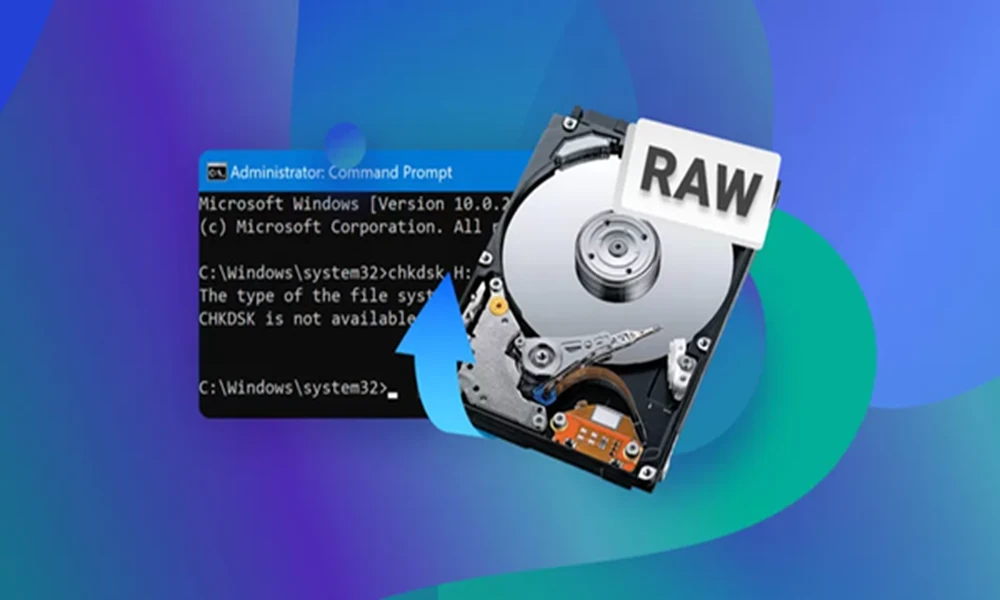
Has your storage device appeared RAW instead of FAT32 or NTFS? The Windows PC will show a message asking you to format the disk before using it. This message will make you think that you will not be able to access your files. A RAW drive is a cause of concern for most users. However, this problem does not always mean the stored data is lost. Let us discuss the common myths related to RAW drive recovery.
Myths you should avoid while dealing with a RAW drive
Check for a list of common misconnections about RAW drives.
A RAW drive means a permanent loss of data–
A RAW drive indicates that the OS cannot identify the file system. Sometimes, the drive becomes RAW due to system corruption, malware, and interrupted operations. In many scenarios, the data is present in the storage device, although the OS cannot access it. Innovative drive recovery applications are intended to analyze the storage media. They retrieve files and reconstruct damaged file systems without affecting the damaged file allocation structures.
Formatting will solve the problem
When Windows asks users to format the drive, they do so as the solution. Although formatting restores the drive’s usability, it creates another file system. So, data recovery becomes more complex for users. What’s more, every operation performed on your drive leads to overwriting issues.
Before formatting the drive, you should try to recover your data using the best software, such asPandaOffice Drecov.
Restarting the device will solve the issue
Many users reboot the system repeatedly or switch between USB ports. This solves the error only in a few cases. If a hardware issue is the main source of complication, repeated attempts place stress on the storage unit. Thus, the most effective step is to identify the cause of the issue and restore the data on your drive.
Conclusion
A RAW drive appears to be a complex scenario. However, it does not mean your data is beyond recovery. File system corruption is the main cause of RAW errors. Using drive recovery software, you can get your data back.